


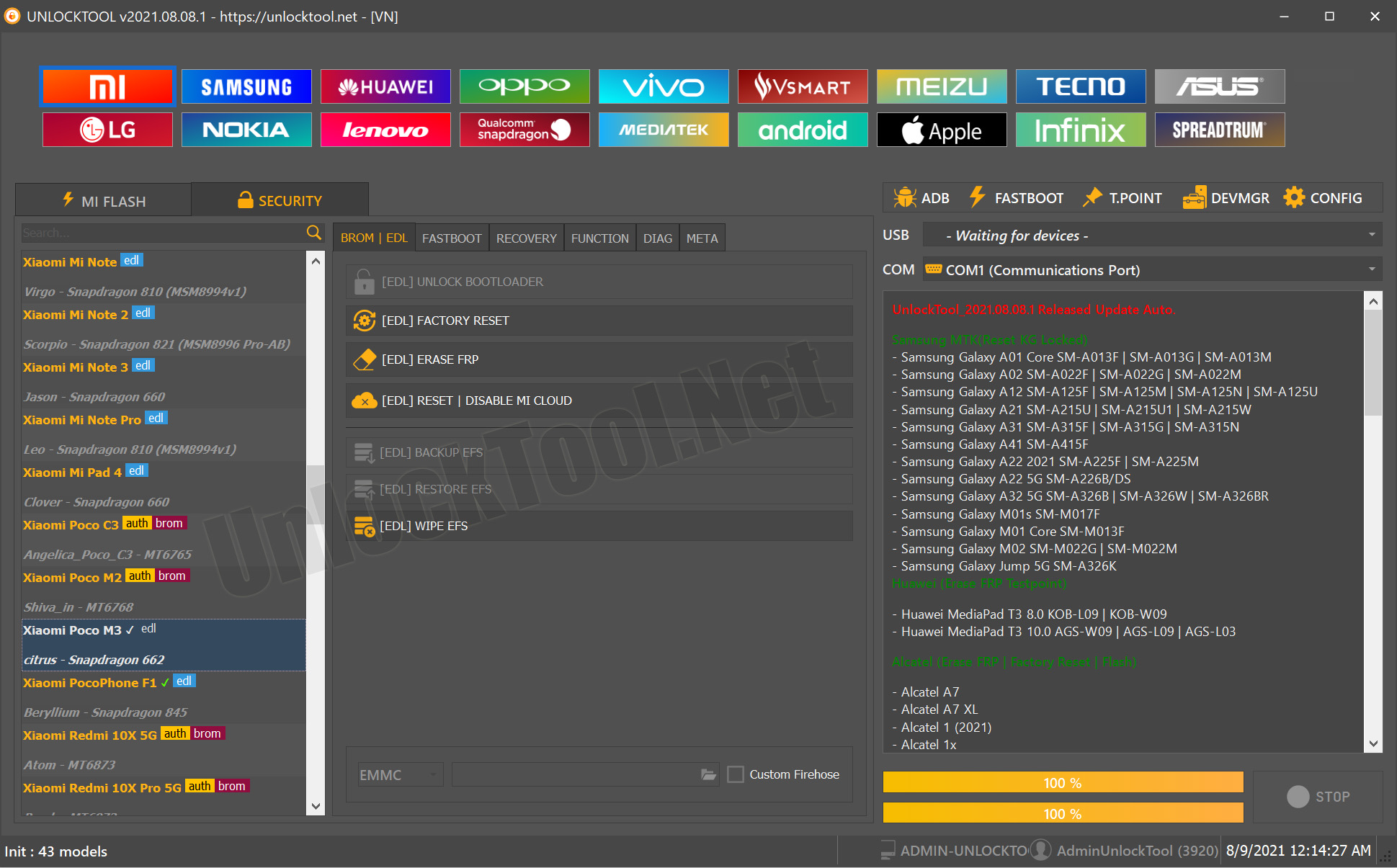
Version: 2025.12.21.0
Hash: 94e91d1bcf3bdecfab84d7b8f26e77f1
Veröffentlicht: 22. Dezember 2025, 12:00 Uhr
UnlockTool hat ein neues Update veröffentlicht! Die Version 2025.12.21.0 bringt wieder zahlreiche Verbesserungen und neue Geräteunterstützung – insbesondere für Samsung Qualcomm-Modelle mit verschiedenen Binary-Versionen (BIT).
Was ist neu in dieser Version
Dieses Update erweitert die Unterstützung für mehrere Samsung-Modelle. Neben klassischen Funktionen wie Factory Reset, FRP-Entfernung, ReadBack und Flash wurden neue Geräte hinzugefügt:
- Samsung A02s (SM-A025U1 – BIT 6)
- Samsung Z Flip (SM-F7000 – BIT-B)
- Samsung S20 FE 5G (SM-G781N – BIT-D / SM-G781V – BIT-L / SM-G781W – BIT-W)
- Samsung S21 FE 5G (SM-G990U2 – BIT-I)
- Samsung Tab Active4 Pro (SM-T636B & SM-T638U – BIT-9)
- Samsung Tab S7 FE (SM-T735 – BIT-9)
- Samsung Z Fold4 5G (SM-W9023 – BIT-8)
- Samsung Tab A9+ (SM-X216N / SM-X210 / SM-X216C – BIT-9)
- Samsung Z Fold2 5G (SM-F9160 – BIT-8)
- Samsung M23 (SM-M236B / DS – BIT-C)
Damit eignet sich das Tool perfekt für neuere Modelle und aktuelle Firmware-Generationen.
Funktionen im Überblick
- Factory Reset: Setzt das Gerät auf Werkseinstellungen zurück.
- FRP Unlock: Entfernt die Google-Konto-Sperre (Factory Reset Protection).
- ReadBack: Liest Systemdaten oder Partitionen für Backup und Analyse.
- Flash: Direkte Firmware-Installation oder -Reparatur.
UnlockTool bleibt damit ein unverzichtbares Werkzeug für Techniker und Reparaturdienste, die mit Samsung-Geräten arbeiten.
Download UnlockTool v2025.12.21.0
Wichtiger Hinweis
Dieses Tool ist ausschließlich für professionelle Nutzung gedacht. Unsachgemäßer Gebrauch kann zu Datenverlust oder Soft-Brick führen. Teste daher immer auf eigenen Geräten oder mit Kundenabsprache.

