


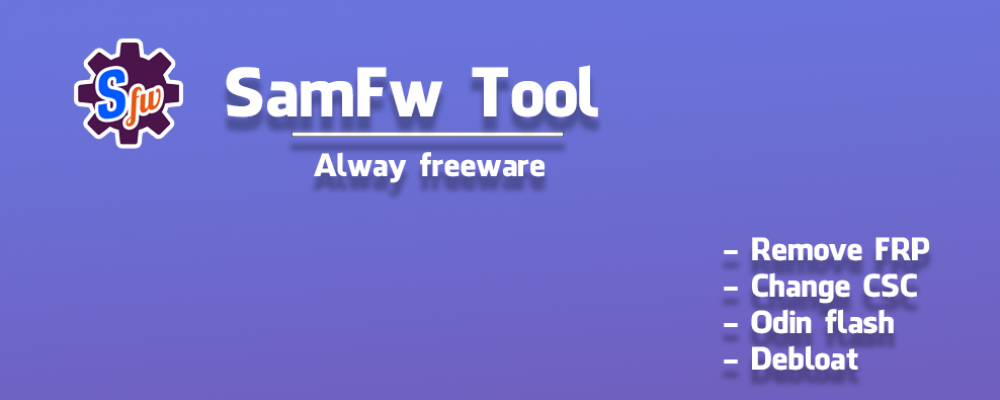
Das SamFw FRP Tool ist ein kostenloses Windows-Werkzeug, mit dem sich die FRP-Sperre (Factory Reset Protection) bei vielen Samsung-Geräten per One-Click entfernen lässt.
Zusätzlich bietet es zahlreiche Servicefunktionen für Samsung, Xiaomi, LG und andere Android-Geräte.
Was ist das SamFw FRP Tool?
- All-in-One-Service-Tool für Techniker und fortgeschrittene Nutzer, spezialisiert auf das Entfernen der Google FRP-Sperre bei Samsung-Smartphones und -Tablets.
- Unterstützt je nach Version viele aktuelle Geräte und Sicherheitspatches und bietet weitere Servicefunktionen wie CSC-Wechsel, Factory Reset, ADB-Tools und mehr.
Hauptfunktionen für Samsung
- FRP entfernen: FRP-Sperre per One-Click entfernen, inklusive neuerer Sicherheitspatches (Testmode/MTP-Methode).
- MTP/Testmode-Tools: Factory Reset, Knox deaktivieren, Factory Mode deaktivieren, diverse Service-Codes ausführen.
- ADB-Funktionen: CSC ändern, bestimmte Konten/Services entfernen, Entwickler-/Netzwerkoptionen anpassen.
- Download-Mode & Flash: Hilfsfunktionen für Download-Modus, Odin-Flash-Unterstützung und Softbrick-Fixes.
Unterstützte Marken & zusätzliche Features
- Samsung: FRP-Remove, Service-Codes, CSC-Tools, Odin-Unterstützung (modellabhängig).
- Xiaomi: FRP-Remove, MiCloud-Funktionen (abhängig von Modell und Version).
- LG & andere Android-Geräte: Factory Reset, FRP-Reset und zusätzliche ADB-/Diag-/EDL-Optionen.
Grundablauf für FRP-Entfernung (Samsung)
- Samsung-Gerät mit USB-Kabel an den Windows-PC anschließen und sicherstellen, dass alle Samsung-Treiber installiert sind.
- Am Gerät in den Notrufbildschirm gehen und den entsprechenden Testmode-Code eingeben (z. B. *#0*# bei vielen Modellen).
- Im SamFw FRP Tool die passende FRP-Option wählen (z. B. „Remove FRP“) und den Vorgang starten.
- USB-Debugging/Bestätigungen auf dem Gerät zulassen, falls diese erscheinen, und auf den automatischen Neustart warten.
Download SamFw FRP Tool v5.3
Hier kannst du die aktuelle Version direkt herunterladen:
SamFw FRP Tool – Download v5.3 (Windows)
Nach dem Download die EXE/Setup-Datei ausführen, das Tool installieren und mit Administratorrechten starten, um Verbindungs- und Treiberprobleme zu vermeiden.
Hinweise & Haftungsausschluss
- Verwende das Tool nur auf Geräten, für die du berechtigt bist (eigene Geräte oder mit ausdrücklicher Zustimmung des Eigentümers).
- Das Entfernen der FRP-Sperre kann Garantiebedingungen, Nutzungsbedingungen oder lokale Gesetze berühren – Nutzung stets auf eigenes Risiko.
- Einige Antivirenprogramme können Service-Tools fälschlicherweise als verdächtig einstufen; stelle sicher, dass du die Datei nur von der offiziellen Quelle lädst.

