


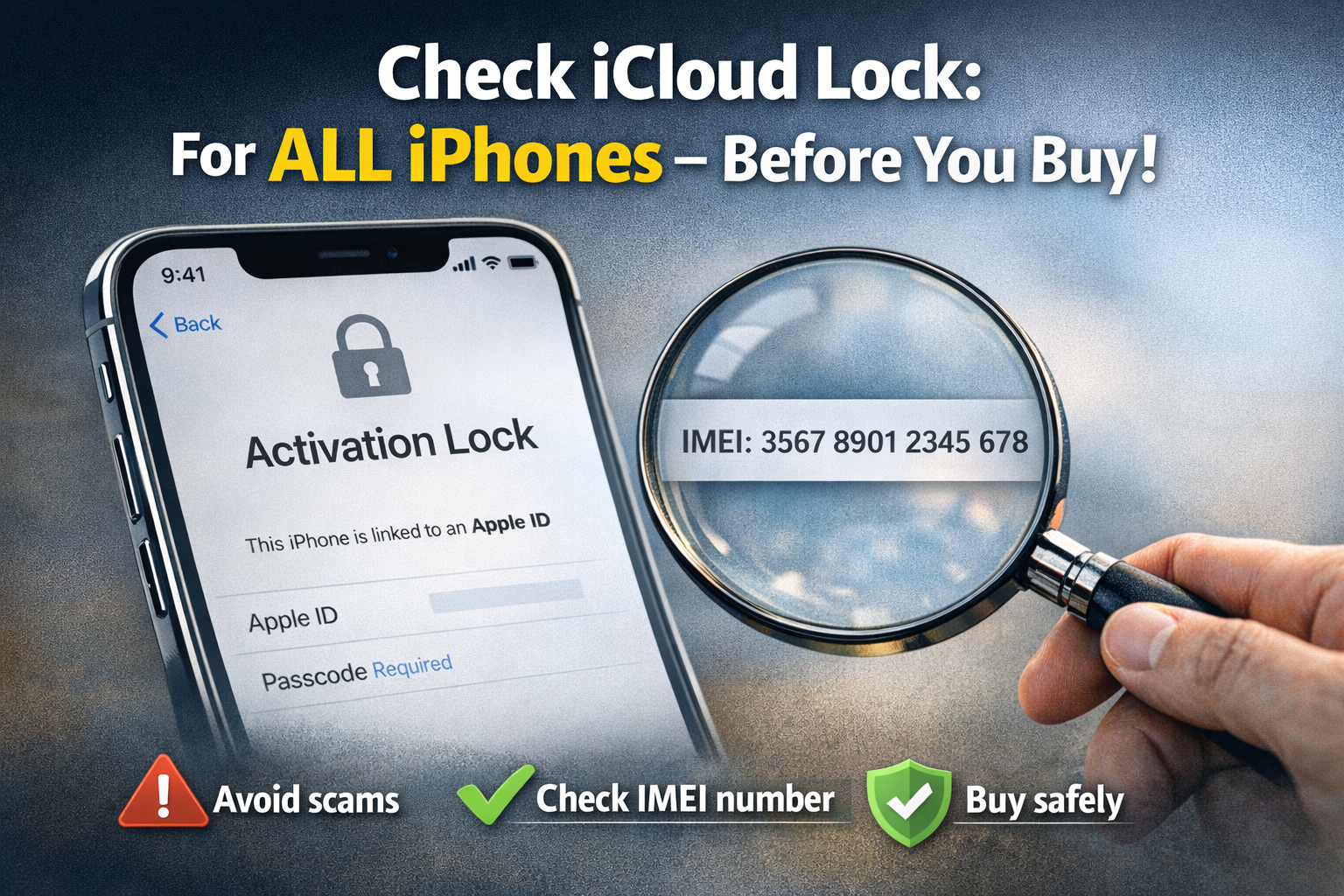
Bevor du ein gebrauchtes iPhone kaufst oder bearbeitest, überprüfe immer zuerst auf iCloud Activation Lock. Diese Sperre macht das Gerät unbrauchbar, wenn der Vorbesitzer sie nicht entfernt hat.
Warum iCloud-Sperre prüfen?
- Vermeide Betrug: Viele „Schnäppchen“ sind gesperrt und wertlos.
- Sicherheit: Erkenne lost/stolen Geräte frühzeitig.
- Zeit sparen: Kein Bypass nötig, wenn clean.
Schritt-für-Schritt Anleitung
- SIM-Karte entfernen: Schiebe die SIM raus – auf dem SIM-Schacht steht die IMEI-Nummer (15-stellig).
- DFU-Modus aktivieren (falls Screen gesperrt):
iPhone an PC/Mac mit 3uTools anschließen.
iPhone 6/6S/5s: Home + Power 10 Sek., dann Home allein 5 Sek. (Screen schwarz).
iPhone 7/8/Plus/SE (1. Gen): Power + Vol- 8-10 Sek., Power loslassen, Vol- 5 Sek. weiter.
iPhone X/XS/11/12/13/14/15/16/17 Pro Max: Vol+ kurz drücken & los, Vol- kurz drücken & los, Power gedrückt halten bis DFU (ca. 10 Sek., Screen schwarz).
In 3uTools siehst du die Seriennummer (SN). - Online prüfen: Gehe zu iUnlocker Check iCloud und gib IMEI oder SN ein.

